
What is UX design – Sales and loyalty growth in e-commerce
What is UX Design – Sales and Loyalty Growth in E-commerce

A customer's purchasing journey in an online store can break down within the first few clicks if the user experience leaves something to be desired. The role of good UX design for Estonian e-commerce beginners lies in creating smooth and motivating digital solutions that help differentiate from competitors and build trust. Through this article, we explore how UX design helps transform a user's visit to an online store into a pleasant experience and boosts sales results and market position.
Key Conclusions
| Point | Details |
|---|---|
| UX design is a multifaceted and dynamic field | It focuses on creating user-friendly and enjoyable digital products, encompassing beauty, functionality, usability, and accessibility. |
| An effective UX process is iterative | It consists of stages that include understanding user needs, planning, prototyping, testing, and continuous improvement. |
| User experience significantly affects sales results | Professional and intuitive design increases trust and purchasing convenience, which in turn boosts loyalty. |
| Mistakes in UX design can be critical | It's important to pay attention to user feedback and regularly test the design to avoid common mistakes. |
The meaning of UX design and common understandings
User experience or UX design is a dynamic field that focuses on creating user-friendly and enjoyable digital products and services. According to scientific research, the UX concept has continuously evolved since the 1970s, developing into a complex interdisciplinary approach.
UX design is not just aesthetic appearance, but a complex process that encompasses several important aspects:
- Usability: Intuitive and comfortable use of the product
- Functionality: The product's ability to fulfill specific user needs
- Emotional design: User's positive feelings when using the product
- Accessibility: Product usability for people with different abilities
Interaction design studies emphasize that good UX design means thinking through the user's complete journey - from product discovery to after-sales support. This means continuous focus on user needs, emotions, and context.
The goal of UX design is to create solutions that are not only functional but also enjoyable and motivating. Every design solution must answer the question: "How to make the user experience as smooth and positive as possible?"
Professional advice: Before starting UX design, conduct thorough user research and don't forget continuous testing and feedback.
Main types and application areas of UX design
UX design is a multifaceted field that encompasses different approaches and applications depending on the specific goal and context. Academic studies classify UX types based on three main elements: user, system, and context.
The main types of UX design can be divided into the following categories:
- Ergonomics-based UX: Focuses on physical comfort and human-system relationship
- Cognitive UX: Studies user thinking processes and information processing
- Emotional UX: Analyzes user emotional reactions and experiences
- Social UX: Addresses interaction and communication between users
According to scientific research, different approaches exist in UX design that stem from both academic and business perspectives. Each UX type has a specific purpose and helps better understand user needs and experiences.
Application areas are extremely diverse, encompassing websites, mobile applications, software systems, smart devices, and even physical products. It's important to choose the right UX design approach that matches the specific product or service goal.
The following table compares different types of UX design from the perspective of their focus, applications, and business impact.
| Type | Focus | Application Areas | Impact on Business |
|---|---|---|---|
| Ergonomics-based | Physical comfort, simplicity | Smart devices, software | Reduces user errors |
| Cognitive | Information processing, clarity | Websites, information systems | Improves decision-making speed |
| Emotional | Impact of emotions | Mobile apps, brand sites | Increases loyalty |
| Social | Communication and collaboration | Social networks, forums | Increases user activity |
Professional advice: Choose the UX design type based on the product's specifics and user needs, not just general trends.
What constitutes an effective UX process
UX design process is a systematic approach that combines deep understanding of user needs with strategic design planning. According to scientific research, an effective UX process includes 38 different research methods that help achieve the most accurate and user-friendly solution.
The main stages of an effective UX process are:
- Initial research: Mapping user needs and context
- Planning: Developing initial design concepts and scenarios
- Prototyping: Creating functional models for testing
- User testing: Collecting and analyzing real feedback
- Continuous improvement: Ongoing design optimization
Systematic UI/UX studies emphasize that each stage must be user-centered and include continuous feedback loop evaluation. This means that at each step, actual user experiences and needs must be analyzed.
The UX design process is not linear, but rather dynamic and iterative. Knowledge gained at each step provides the opportunity to improve previous stages and create an even better user experience. The key to success is flexibility and continuous learning.
Below are the main stages of the UX design process and each stage's main goal along with a useful method.
| Stage | Main Goal | Recommended Method |
|---|---|---|
| Initial research | Understanding user needs | Persona creation |
| Planning | Ideating solutions | Wireframe drawing |
| Prototyping | Testing functionality | Clickable prototype |
| User testing | Collecting feedback | Conducting interviews |
| Continuous improvement | Optimization | A/B testing |
Professional advice: Document the results of each UX design stage and track changes to create continuously improving user experience.
The impact of UX design on sales and user experience
UX design is becoming a decisive competitive advantage in e-commerce, significantly affecting companies' sales results and user loyalty. Based on scientific research, organizational success is increasingly shaped by the quality of user experience.
The impact of UX design on sales manifests in several important aspects:
- Increasing trust: Professional design creates confidence in users
- Purchase convenience: Simple and intuitive user interface promotes the purchasing process
- Emotional connection: Positive user experience creates brand loyalty
- Attention retention: Attractive design reduces user abandonment
Good UX design makes visiting an online store a pleasant and purposeful experience. This means that the customer is not only dealing with purchasing but feels comfortable and valued. Technically, this means the simplest possible navigation, clear product descriptions, fast loading times, and minimal clicks to reach the goal.

The quality of user experience is directly related to the company's sales performance. The better you can optimize your product's user interface, the more likely visitors will become loyal customers and recommend your online store to others.
Professional advice: Invest in continuous user experience testing and analysis to understand exactly your customers' expectations and respond to them promptly.
Common mistakes in UX and how to avoid them
UX design mistakes can significantly damage user experience and company sales results. Thorough studies have identified 30 common mistakes that create frustration in users and reduce website attractiveness.
Most common UX design mistakes to avoid:
- Ignoring user research: Design is based on assumptions, not actual needs
- Excessive functionality: Overloaded user interface makes navigation complex
- Poor mobile version optimization: Non-adaptive design reduces usability
- Inconsistent design: Different design elements create confusion
- Ignoring accessibility: Lack of support for users with special needs
UX mistakes are not just technical problems but also strategic challenges. Every wrong step can mean losing potential customers. For example, excessive information or complex navigation paths can immediately drive users away.
To understand mistakes, user feedback must be continuously collected and thorough testing conducted. It's important to create a design that is intuitive, accessible, and meets the specific target group's needs. Every detail - colors, buttons, text readability - plays a role in shaping user experience.
Professional advice: Regularly conduct user research and testing to discover and fix UX design bottlenecks before they deepen.
Boost your e-commerce sales and loyalty through professional UX design
The article emphasizes how important smooth user experience and emotional impact are for online store success. If you want to avoid common UX mistakes like complex navigation or incomplete mobile version, you're on the right track. Excellent UX design helps increase trust, improve purchase convenience, and create strong emotional connections with customers.
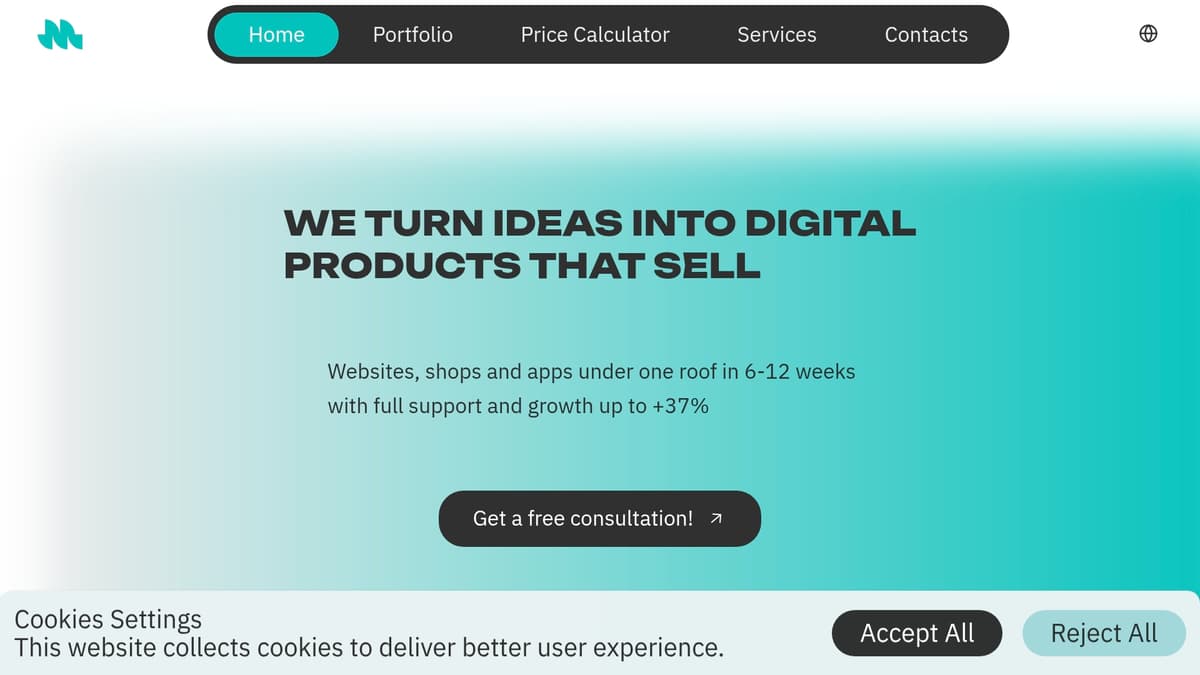
Our Major Source team offers a personal approach that combines in-depth research, intuitive prototypes, and continuous improvement. Take the opportunity to plan your digital products with us and take a step forward in online store development. Don't let user experience shortcomings limit your sales potential: start today and create a platform that engages visitors and turns them into loyal customers.
Frequently Asked Questions
What is UX design and why is it important in e-commerce?
UX design or user experience focuses on the user-friendliness and enjoyability of digital products and services, which is extremely important in e-commerce to increase sales and user loyalty.
How does UX design affect sales results?
Good UX design increases trustworthiness, enables smooth purchasing processes, and creates positive emotional connections with the brand, all of which help boost sales results.
What are the most common UX design mistakes to avoid?
The most common mistakes include ignoring user research, overly complex user interfaces, mobile version inconsistencies, and lack of accessibility.
How can user experience be continuously improved?
Continuous improvement of user experience includes conducting regular user tests, collecting and analyzing feedback to understand user needs and optimize design accordingly.